
Are you getting the following error whenever you are trying to start a new Extended Events session on an Az SQL Managed Instance using an Az Storage Account?
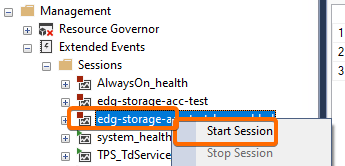

Object cannot be added to the event session. The operating system returned error 13: ‘The data is invalid.
‘ while creating the file ‘https://mystorageaccount.blob.core.windows.net/mycontainer/edg-test_0_133741956993640000.xel’
The solution is simple, but it is not documented properly in MS documentation. These are the requirements that the Az Storage Account must meet in order to be used with Extended Events:
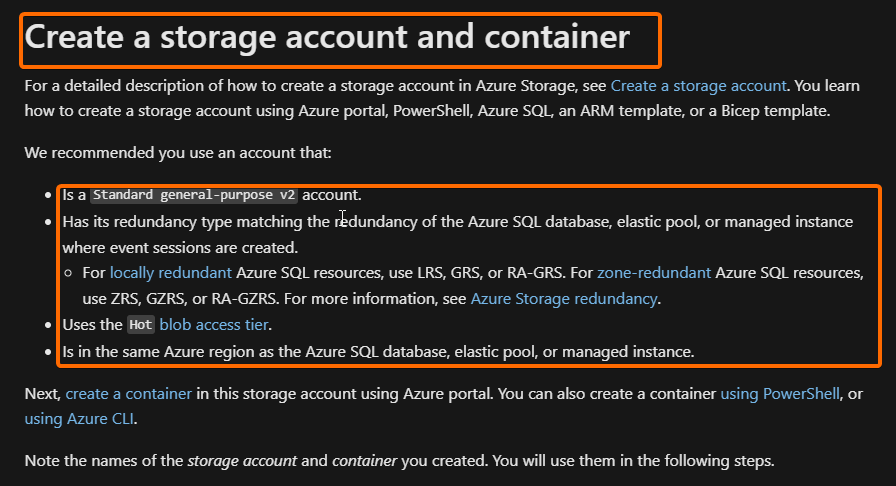
Note that they say in the first requirement Standard general-purpose v2, but they do not mention anything about Data Lake Storage or the Hierarchical Namespace feature at all, and as you are probably guessing already, this is where the trick is.
It seems that Extended Events does not work with an Az Storage Account that has the Hierarchical Namespace enabled. I say “it seems” because I didn’t find any confirmation about it, but as soon as I set up Extended Events with an Az Storage Account that does not have the Hierarchical Namespace enabled, it worked.
I did not discover this on my own, I found the solution in these 2 links:
I hope this has saved you some time!
 Tech & more blog
Leave a comment