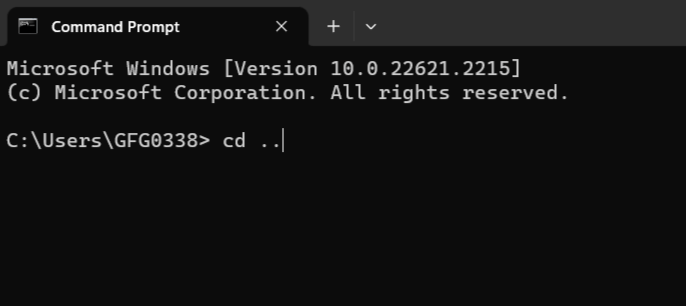
If you need to delete a folder and all of its content, but you have a deep folder structure, you might get the following error:
The system cannot find the path specified.A “deep” folder structure in Windows is longer than 260 characters. This is the limit it has by default. To overcome this limitation, you can create a new Windows registry and that way the “rmdir” command shouldn’t fail, or you can use this prefix “\\?\” to indicate Windows that the path you’re working with is a long one.
So, if you were executing the “rmdir” command like this:
rmdir /s /q "D:\your_folder\your_deep_folder_structure"
Then, you must execute it in this way:
rmdir /s /q "\\?\D:\your_folder\your_deep_folder_structure"
This should solve the issue. Hope this has helped!
 Tech & more blog
Leave a comment